
- What is On Page SEO?
- Keyword Research: The Start of On Page SEO
- Creating Strong Title Tags
- Improving Meta Descriptions
- Using Header Tags for Better Organization
- Content Optimization: Focus on Quality, Not Just Quantity
- Optimizing Images
- Internal Linking Strategy
- Mobile Optimization
- Technical SEO Tips
- Keeping Track of Success
- Avoiding Common On Page SEO Errors
- Final Thoughts
- FAQs About On Page SEO
- Book Your Free Call Today
On Page SEO Checklist for Small Businesses
By:
Published:
Updated:
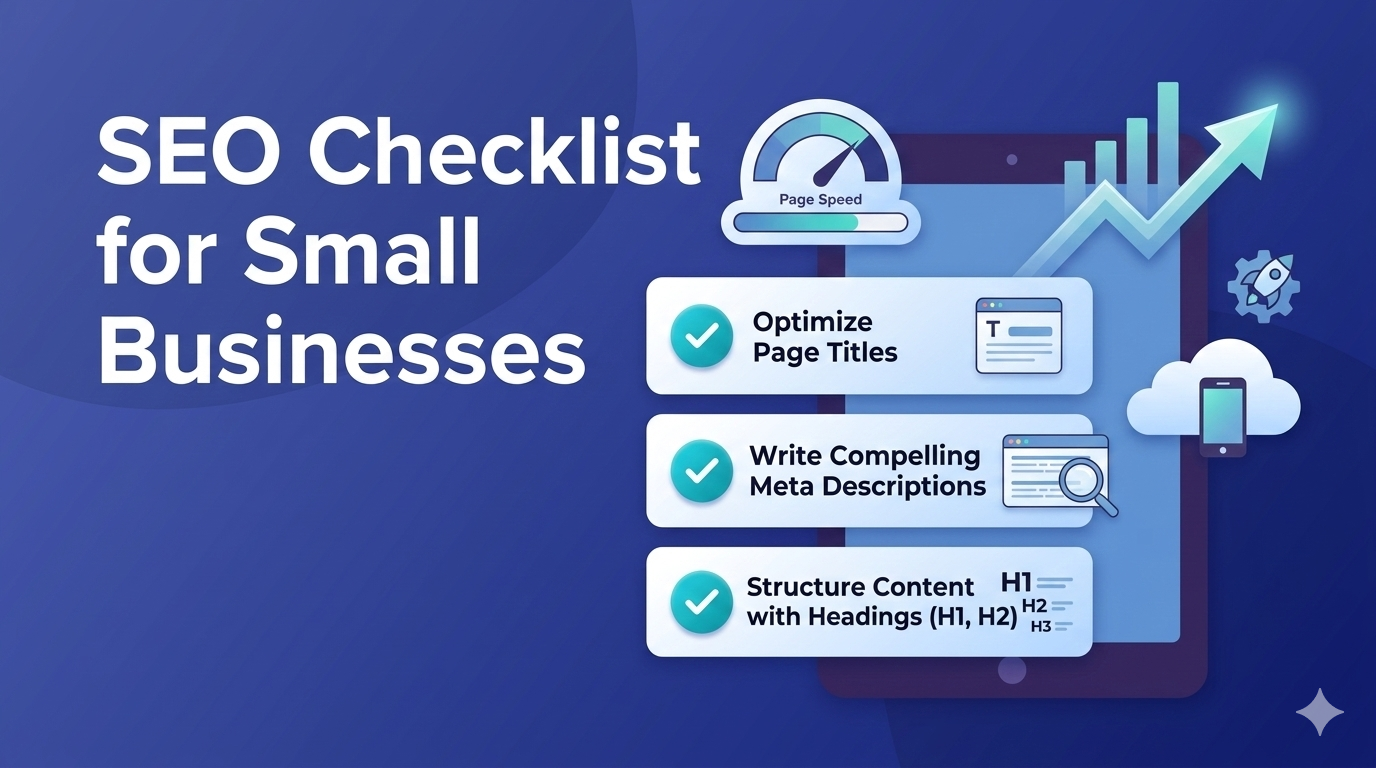
These days small to medium sized businesses must establish a strong presence online. One of the best ways to improve search engine visibility is using on page SEO. This process means fine tuning each webpage to boost rankings and attract more targeted visitors to your site. Below is a detailed checklist to help you cover key aspects of on page SEO. It ensures both search engines and visitors will find your site optimized and useful.
What is On Page SEO?
On page SEO means using strategies on your website to rank higher in search results. It differs from off page SEO, which looks at things like backlinks outside your site. On page SEO focuses on improving your site’s content, HTML code, and overall setup.
Why On Page SEO Matters
- Better Visibility: When done right, on page SEO makes it easier for search engines to understand your site, which boosts its ranking.
- Improved User Experience: Organized websites with useful content keep people interested and lower bounce rates while boosting conversions.
- Focused Visitors: Optimizing specific keywords brings in people who are looking for what you offer.
Keyword Research: The Start of On Page SEO
To optimize your content properly, you need to start by studying keywords . This step builds the base of your SEO plan.
Picking the Right Keywords
- Detailed Phrases: Aim for clear and exact terms that real customers type. Instead of aiming for “shoes,” think about “top running shoes for flat feet.”
- Analyzing Competitors: Check the terms your competition ranks with. Tools like SEMrush and Google Keyword Planner help you find good keyword options.
- Search Intent: Understand what people want from their searches. Are they after details, or are they ready to buy something? Adjust your content based on what they need. Intent driven keyword research can make the difference between quality traffic and empty traffic for your business.
Tools to Research Keywords
- Google Keyword Planner: This free tool helps you discover keywords and check how well they might perform in searches.
- Ahrefs & SEMRush: Provides ideas for keywords, details on how competitive those keywords are and how many estimated monthly searches those terms get.
- AnswerThePublic: Shows search questions and gives autocomplete suggestions in a visual way.
Creating Strong Title Tags
Title tags play a key role in on page SEO. They create the first impression for users and search engines alike.
Smart Tips to Write Title Tags
- Keep It Short: Stick to 50 60 characters so the full title shows up on search results.
- Use Main Keywords: Put your top keyword on in the title.
- Make It Interesting: Try action words and create curiosity to make people click.
A Good Title Tag Example
Don’t settle for a plain title like “Our Services.” Be more specific: “Affordable SEO Services to Help Small Businesses Grow Online.”
Improving Meta Descriptions
Meta descriptions summarize your page content and play a big role in getting more clicks.
How to Write Good Meta Descriptions
- Keep It Brief: Stick to 160 characters or less, so it doesn’t get cut off in search results.
- Use Relevant Keywords: Add your main keyword within the text to help with visibility.
- Include a Call to Action: Motivate readers to act with phrases like “Find out more,” “Start today,” or “Check it out.”
Example of a Good Meta Description
“Searching for budget friendly SEO? Our skilled team boosts visibility for small businesses. Schedule your free consult now!”
Using Header Tags for Better Organization
Header tags like H1, H2, and H3 arrange content making it simpler for users and search engines to understand.
Tips To Use Header Tags
- Use One H1 Tag: Add a single H1 tag as the main title of your page and make sure it has your main keyword.
- Organize with Subheadings: Divide your content into sections by using H2 and H3 tags to make it easier to read.
- Follow a Logical Structure: Keep your content organized so readers can follow along .
Content Optimization: Focus on Quality, Not Just Quantity
To improve on page SEO creating valuable and well written content is critical. Your writing should focus on delivering useful information and also include relevant keywords .
Important Parts of Content Optimization
- Keyword Usage: Put your main keyword in the first 100 words of your text and throughout your content. Be careful not to overuse it.
- Catch Attention and Inform: Answer questions people ask and give practical solutions to their problems.
- Add Visuals: Use pictures, videos, or charts to grab attention and make your content less heavy to read.
How Long Should Content Be
There’s no exact rule, but try to have at least 500 to 800 words on a page. This length is enough to give detailed info without making it too much.
Optimizing Images
Photos and visuals can improve the user’s experience but might slow down your website if not handled .
Tips to Optimize Images
- Clear File Names: Name your image files with related words like “small-business-seo-tips.jpg” to describe them .
- Alt Text: Add clear descriptions to every image. This makes content easier to access and helps search engines grasp what the image shows.
- Compression: Shrink image files using tools like TinyPNG to keep quality while making the sizes smaller.
Internal Linking Strategy
Internal links are links between your site’s pages. They guide visitors and spread page ranking power.
Benefits of Internal Linking
- Better Navigation: Makes it easier for users to discover related pages.
- SEO Advantages: Passes link value across the site helping connected pages rank better.
- Lower Bounce Rate: Pushes visitors to check out additional pages keeping them interested.
Tips for Internal Linking
- Use Clear Anchor Text: Avoid writing “click here.” Instead, write phrases that explain what the link leads to.
- Link to Useful Pages: Make sure links direct to pages that actually match the topic being discussed.
Mobile Optimization
Many people now use mobile devices more often, so making your website mobile friendly is super important to improve on page SEO.
Important Parts of Mobile Optimization
- Responsive Layout: Make sure your website fits on screens of all shapes and sizes.
- Quick Loading Speeds: Shrink images and simplify your site’s code so it loads faster on phones.
- Simple Navigation: Design menus and buttons so users can click and find what they need on smaller devices.
Technical SEO Tips
On page SEO handles content and structure. Technical SEO makes sure search engines can find and index your site .
Important Parts of Technical SEO
- Site Speed: Try tools like Google PageSpeed Insights to check and fix how fast your site loads.
- Make Your Site Secure: Use HTTPS to keep user data safe and build trust.
- XML Sitemap: Build and send an XML sitemap so search engines can figure out your site layout.
- Schema Markup: Use JSON-LD to define your entities. Properly implementing schema for AI visibility can make a huge difference in improving your chances of being cited in AI overviews.
Keeping Track of Success
It is important to track SEO results to see what’s effective and what isn’t.
Main Metrics to Track
- Organic Traffic: Track how many people visit your site from search engines by using Google Analytics.
- Keyword Rankings: Keep an eye on where your targeted keywords stand in search results with tools like SEMrush or Ahrefs.
- Conversion Rates: Check how many visitors take actions like filling out forms or purchasing something.
Avoiding Common On Page SEO Errors
Even small mistakes can mess up your SEO work. These are some mistakes you should avoid:
- Skipping Mobile Optimization: Not making your site mobile friendly can cost you visitors and sales.
- Stuffing Keywords: Focusing too much on adding keywords everywhere can hurt your search rankings.
- Ignoring Meta Tags: Writing bad or skipping title tags and meta descriptions altogether can lower the chances of users clicking on your links.
Final Thoughts
Creating a thorough on page SEO checklist is crucial if small businesses want a stronger online presence. Pay attention to things like finding the right keywords, writing quality content, fixing technical issues, and making sure users have a good experience. Doing this can boost your rankings and bring in more customers. Keep in mind that SEO never stops so check and tweak your strategies to stay ahead. Sometimes hiring an SEO Agency vs DIY can give you an advantage. Our breakdown of affordable SEO agencies can help you figure out what quality SEO realistically costs and what to watch out for. So book a strategy call with Echo & Scale and we’ll help create a customized strategy for your on-page SEO based on your needs.
FAQs About On Page SEO
Book Your Free Call Today
Schedule your Free 20 minute call and get a marketing plan specifically tailored to you.